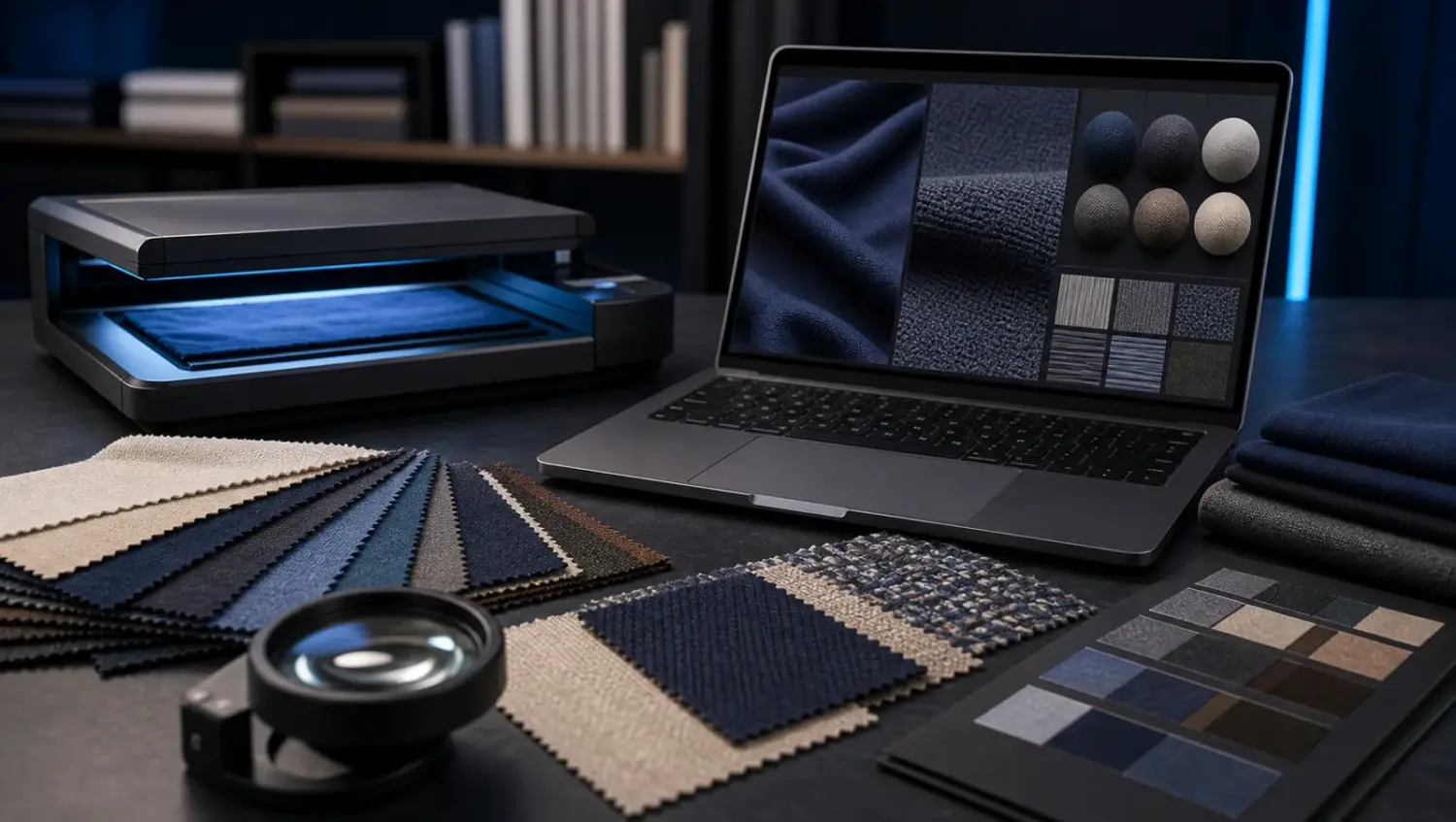
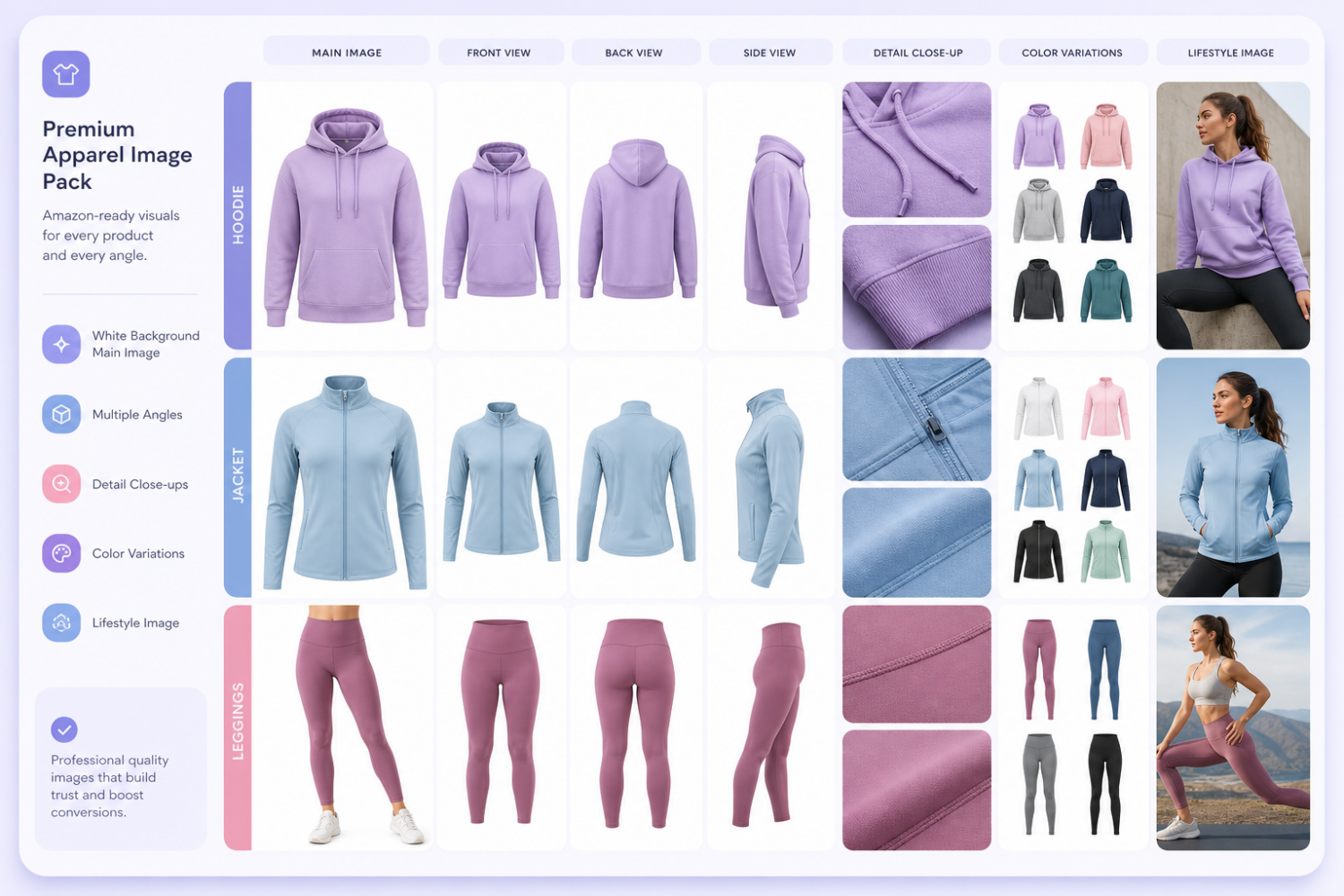
CLO 2026.0 introduces new features that can help fashion brands improve 3D garment ideation, pattern development, fabric review and digital product presentation.
CLO 2026.0 is a meaningful update for fashion teams that use 3D apparel design to move faster from concept to development. The release is not only about visual polish. Many of the updates focus on pattern drafting, grading, fabric behavior, trims, lacing, graphic placement and production review. For brands, that matters because the value of 3D fashion design depends on how well the digital sample can support real design and development decisions.
This article summarizes the most useful updates from the official CLO features page and links to the related CLO notice. The notice page may require browser verification, but the public feature page lists the key CLO 2026.0 features and patch-note highlights.
1. Sketch on Avatar speeds up early garment ideation
One of the headline features in CLO 2026.0 is Sketch on Avatar. CLO describes it as a way to sketch garments directly on the avatar and convert those sketches into patterns. For designers, this can reduce the distance between a visual idea and a workable pattern direction.
In a traditional workflow, the designer may sketch on paper or in a flat digital tool, then translate that idea into a 2D pattern. With Sketch on Avatar, the early idea starts closer to the body and silhouette. This can help teams explore proportion, garment balance and style lines before investing too much time in detailed pattern work.
2. Pattern Drafter gets Auto POM and grading support
The Pattern Drafter update is especially important for teams that need more technical control. CLO 2026.0 can automatically generate POMs and apply grading by entering measurements during pattern drafting. The feature page also notes flexible editing capabilities, which makes this more than a one-click shortcut.
For brands, this means a 3D design workflow can become more connected to fit and production logic. POMs are central to garment development because they define measurable construction points. When these measurements connect more directly with pattern drafting and grading, the digital workflow becomes easier to review with technical designers, sample rooms and factories.
3. Fabric-aware strain maps make fit review more practical
CLO 2026.0 adds fabric-aware strain maps. Instead of treating strain in a generic way, the maximum wearable strain is determined based on each fabric’s physical properties. This is useful because a tight area on a stretch knit does not mean the same thing as a tight area on a rigid woven fabric.
For fashion brands, this makes digital fit review more realistic. Teams can better understand whether a strain issue is a true fit problem, a material limitation or a normal behavior for the chosen fabric. That can reduce unnecessary sample revisions and help teams communicate fabric-dependent fit risks earlier.
4. Lacing and gluing improve detailed garment construction
Lacing is another practical feature. CLO says users can thread laces by setting the direction along holes, making it easier to create shoelaces, corset lacing and similar details. This matters for categories such as footwear, activewear, lingerie, corsetry and outerwear, where lacing details can be visually and functionally important.
The new gluing feature lets users attach patterns using fill, brush or sticker-style methods. CLO highlights accessories such as pockets and labels that can follow garment movement naturally. For apparel teams, this can make trims, labels and applied details easier to simulate in a believable way.
5. Better graphic placement, grading and print layout tools
CLO 2026.0 also includes several updates that support production review. Precise Graphic Placement allows users to position graphics by measuring from a reference point to a pattern outline. The POM Calculator helps calculate multiple POMs and define measurement items inside CLO. Grading improvements make it easier to edit multiple fields and apply deviation values using formulas.
These updates are valuable for ecommerce and production because small inaccuracies can become costly. Graphic placement, print alignment, graded sizing and measurement consistency all affect whether a digital garment can be trusted by design, merchandising and technical teams.
6. Trim, zipper, fur and material updates support realism
Several other updates focus on realism and detail. Trim Simulation with GPU is designed for faster, more natural trim movement. Custom OBJ zipper teeth allow teams to register exact zipper designs. Fur improvements help maintain sharp graphics and clear seamlines on garments with fur materials. Fabric front/back swapping makes material setup faster when different sides of a textile need to be tested.
These details may sound small, but they are often what separates a generic 3D mockup from a useful virtual sample. Buyers and customers notice trims, material behavior, zipper design, labels, graphics and surface detail. The closer those details are to the real product, the more confidently teams can use 3D assets for approvals and ecommerce visuals.
7. Avatar, animation and compatibility improvements widen the workflow
CLO 2026.0 also improves avatar and animation workflows. The feature list includes avatar blend shape support, rigged accessory registration, animation markers, animation file compatibility improvements, UV editor improvements, isolate selection mode, VRM compatibility and toon shader rendering.
For commercial apparel teams, these features can support more specialized use cases. A brand may need a custom avatar, a rigged accessory, a specific animation range, or stylized presentation for digital campaigns. VRM compatibility is also useful for teams working with virtual characters or digital fashion experiences.
What this means for fashion brands
The biggest takeaway is that CLO 2026.0 continues to make 3D apparel work more technical, more production-aware and more useful beyond concept rendering. The update supports early design ideation, pattern drafting, grading, strain review, trim simulation, graphic placement and digital presentation.
For brands using CLO3D or planning to adopt 3D fashion design, the best way to benefit from these features is to connect them to a clear workflow. Use Sketch on Avatar for early ideation, Pattern Drafter and POM tools for technical development, fabric-aware strain maps for fit review, and render/export workflows for ecommerce or buyer presentations.
How BinaryCloth can help
BinaryCloth works with fashion brands that need 3D apparel design, virtual samples, ecommerce renders, fabric digitalization and production-ready digital garment assets. Updates like CLO 2026.0 make those workflows stronger, but the result still depends on good references, clean briefs, accurate materials and careful review.
If your team is exploring CLO3D apparel development, start with one product and define the goal clearly: design review, sampling reduction, ecommerce visuals, AR-ready assets or marketplace listing images. From there, the right 3D workflow can save time, reduce unclear revisions and create reusable digital assets for multiple channels.
Quick checklist for using CLO 2026.0 features
- Use Sketch on Avatar for fast silhouette exploration.
- Use Pattern Drafter, POM and grading tools for technical control.
- Review fabric-aware strain maps before approving fit direction.
- Use lacing and gluing features for trims, labels and detailed construction.
- Check graphic placement and print layout before ecommerce or production handoff.
- Test custom zipper teeth, trim simulation and material details when realism matters.
- Keep a clear handoff brief so design, technical and marketing teams review the same digital asset.
Related BinaryCloth reading: CLO3D apparel design cost guide, fabric digitalization guide, and GLB and USDZ 3D apparel model checklist.