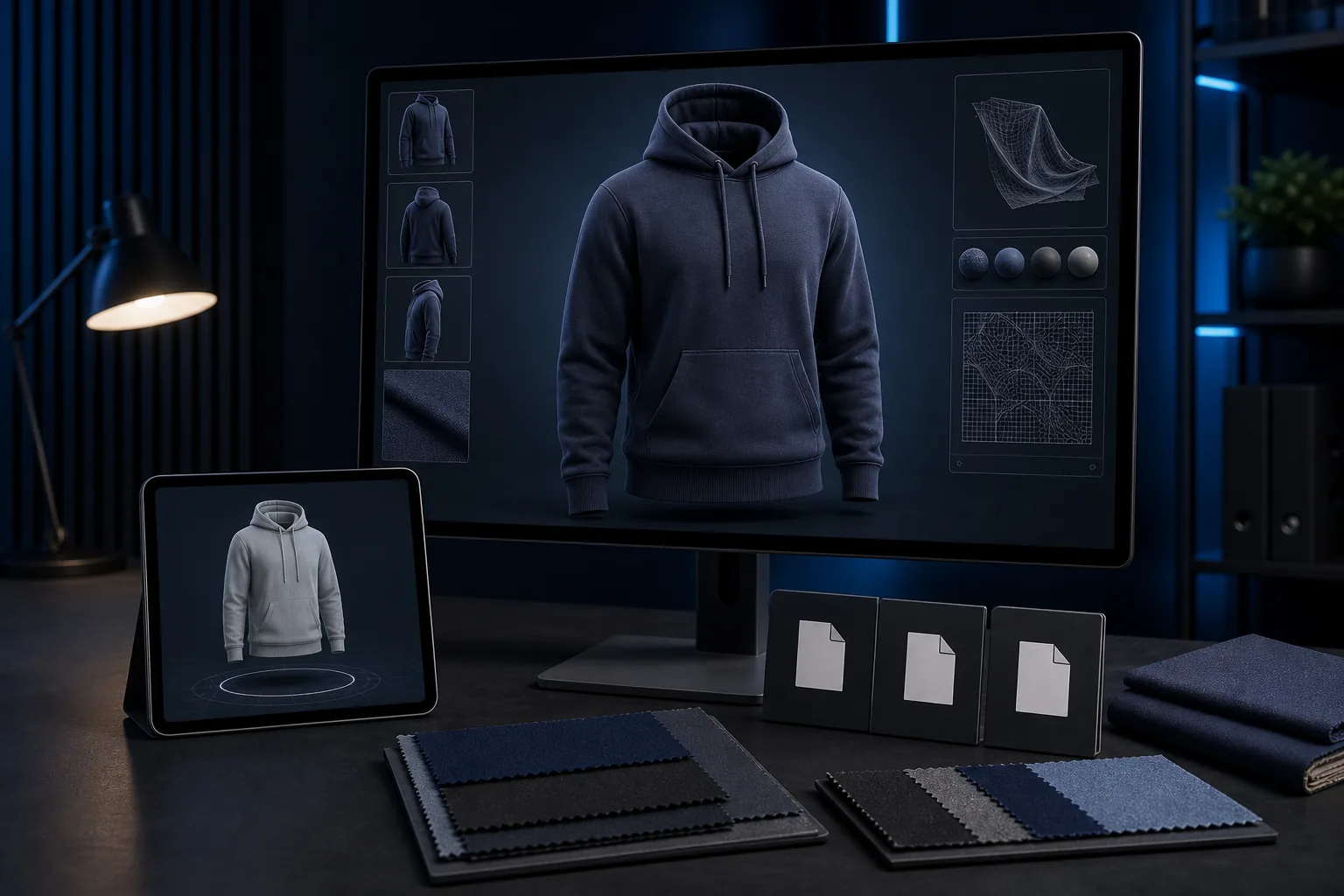
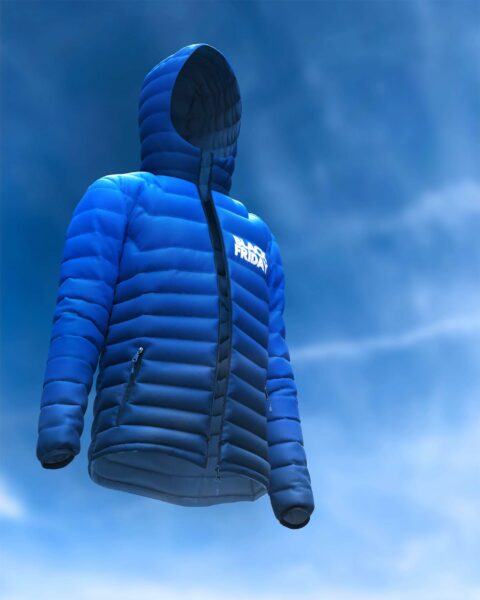
A GLB apparel model needs clean geometry, optimized textures and practical file size targets before it can perform well in ecommerce or AR.
3D apparel models for ecommerce and AR need more than a beautiful render. They must be optimized, structured and exported in a way that your viewer, app, configurator or ecommerce workflow can actually use.
This checklist helps teams prepare 3D apparel assets for GLB, USDZ and other web-ready handoff formats.
1. Confirm the target platform
Before optimizing the model, confirm where it will be used: ecommerce product page, Shopify app, product configurator, AR preview, mobile app, custom WebGL viewer or internal sales presentation. Each platform may have different file-size, material and texture expectations.
2. Clean the mesh
- Remove unnecessary hidden geometry.
- Reduce excessive polygon density where it does not improve the customer experience.
- Keep silhouette-critical details clean.
- Check seams, hems, collars, cuffs, drawcords and trims.
3. Prepare UVs and textures
Good UVs make the model easier to texture, optimize and maintain. Texture maps should be organized, correctly scaled and named clearly for developer handoff.
4. Simplify materials
Materials should look realistic without becoming too heavy. Combine maps where practical, remove unused materials and test whether details remain visible on mobile screens.
5. Check file weight
Large files can slow ecommerce pages and frustrate users. The ideal file size depends on the platform, but every model should be tested for loading speed, visual quality and mobile performance.
6. Export and validate
- Export required formats such as GLB or USDZ when needed.
- Open the model in the target viewer or validation tool.
- Check scale, orientation, materials, textures and normals.
- Test on mobile if the model is customer-facing.
- Provide organized files for the web/app team.
Important service note
BinaryCloth provides optimized 3D apparel model assets. We do not provide a proprietary 3D viewer. Your chosen ecommerce platform, viewer provider, app developer or custom WebGL team can use the prepared model files in their own customer-facing experience.
Learn more about BinaryCloth AR-ready and web-ready 3D apparel model development or request a quote for model optimization and handoff.
Developer handoff checklist
- Final model file format requested by the target platform
- Texture folder with clear names
- Preview image or turntable reference
- Notes about scale, orientation and material setup
- Known limitations or platform-specific instructions
- Target file-size expectation if the asset is web-facing
FAQ: GLB and USDZ apparel models
Do GLB and USDZ files replace product photos?
Not always. They can support interactive experiences, AR previews and configurators, while product images still matter for fast browsing, search results and marketplace listings.
Why optimize a 3D apparel model?
An unoptimized model may look good in a 3D design tool but load slowly or behave poorly on a website. Optimization makes the model more practical for ecommerce, mobile and application use.
Validation steps before publishing GLB or USDZ apparel assets
Before a 3D apparel file is handed to a store, app or configurator team, test it outside the authoring software. Check the model in a neutral viewer, rotate it from all sides, inspect seams and trims, and confirm that textures load without broken paths. A file that looks correct in one workstation can still fail when compressed, uploaded or viewed on mobile hardware.
For GLB delivery, the Khronos glTF ecosystem is useful because it supports efficient runtime delivery for 3D scenes and models. For iOS AR previews, Apple’s AR Quick Look documentation is a practical reference for USDZ workflows. Keep a simple QA log for file size, texture resolution, material count and device testing.
Related internal reading: what is 3D ecommerce.
For ecommerce and AR, always include one final manual review on the target device. Desktop validation can catch technical errors, but phone-based testing reveals scale, loading speed and material issues that shoppers are more likely to notice.